The Smart POS.

AI-powered billing and operations

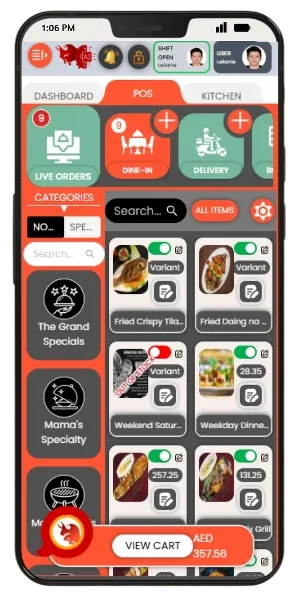
Run your restaurant’s daily operations with AI-powered shift control, real-time sales, and end-of-day reporting.
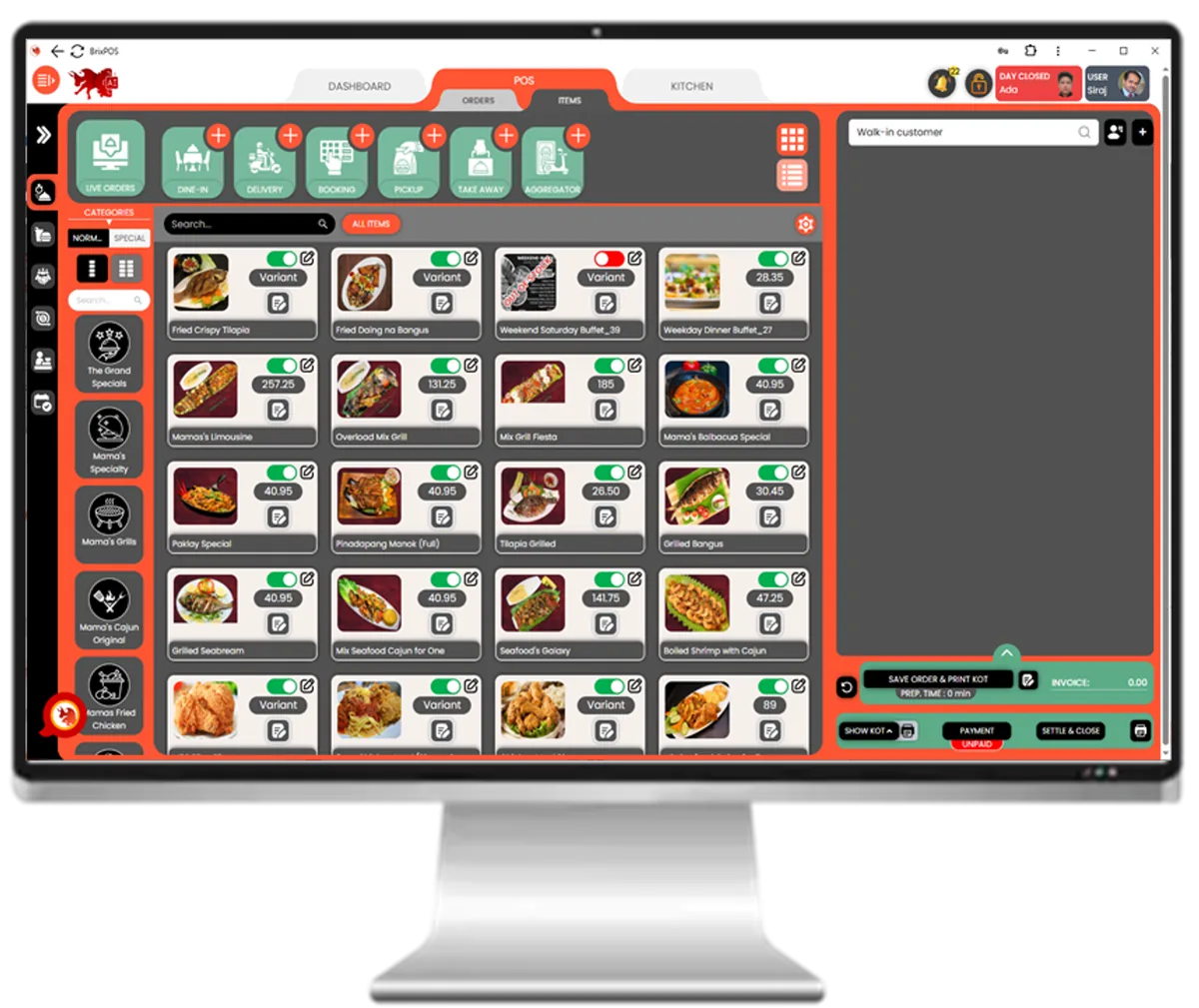
BrixPOS dashboard with live orders, kitchen and payments

Discover WHY BrixPOS is Your Restaurant's Best Friend

Target Icon
POS AI Dashboard

Real-time sales, orders & cash

Central control panel with daily sales, orders, collections, discounts, expenses, and outlet summaries.

AI dayclose in BrixPOS restaurant POS
AI Day-Close

Auto-verify before closing day

BrixPOS AI checks 30+ conditions (sales, KOTs, cash, pending tasks) before allowing day-close.
Table management in BrixPOS restaurant POS
Table Management

Track dine-in table statuses

Live view of each table's status: vacant, occupied, billed, reserved — syncs with waiter & kitchen screens.

Kitchen display in BrixPOS restaurant POS
Kitchen Display

Live KOTs on kitchen screens

Replaces paper KOTs with digital screens in kitchen sections; auto-updates when orders are modified.

Waiter ordering app in BrixPOS restaurant POS
Waiter Ordering App

Take orders using mobile/tablet

Waiters use app to take orders that auto-send KOTs to kitchens, reducing errors and speeding service.

QR table ordering in BrixPOS restaurant POS
QR Table Ordering

Customers order via QR code

Guests scan QR to view menu, order, and pay — reduces staff load and speeds up table turnover.

POS HR integration in BrixPOS restaurant POS
Cashier Shift Control

Track cashier logins & cash

One cashier per shift, with real-time tracking of drawer activity, approvals, and shift closing.

Discount in BrixPOS restaurant POS
Smart Discount

Set rule-based discount types

Offer discounts by time, customer type, or manager approval — integrates with BrixSocial.

Smart promotion in BrixPOS restaurant POS
Smart Promotion

Schedule offers & marketing

Create & schedule promo campaigns tied to discounts, customer groups, or menu categories — auto-push via BrixSocial.

Expense tracking in BrixPOS restaurant POS
Expense Tracking

Log expenses with category

Input expenses with category, amount, and VAT — linked to daily report and accounting.

POS HR integration in BrixPOS restaurant POS
POS-HR Integration

Sync POS with HR app

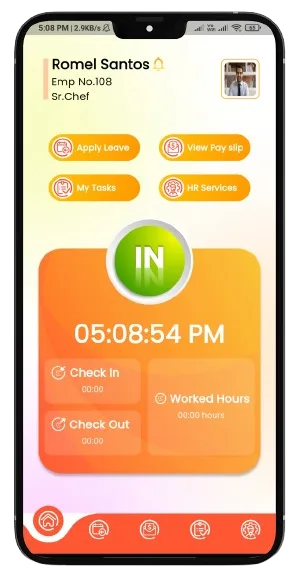
Employee login, shift times, attendance, and payroll auto-synced with BrixHR mobile app.

POS social integration in BrixPOS restaurant POS
POS-Social Integration

Link promos to social campaigns

Connect BrixPOS with BrixSocial to automate post scheduling and promote discounts via WhatsApp & platforms.

AI-Smart & User-friendly POS

During onboarding, restaurants can select their Google business name from a dropdown powered by Google API — which auto-fills all location data and instantly generates a review-ready QR code using the restaurant’s Google Place ID.
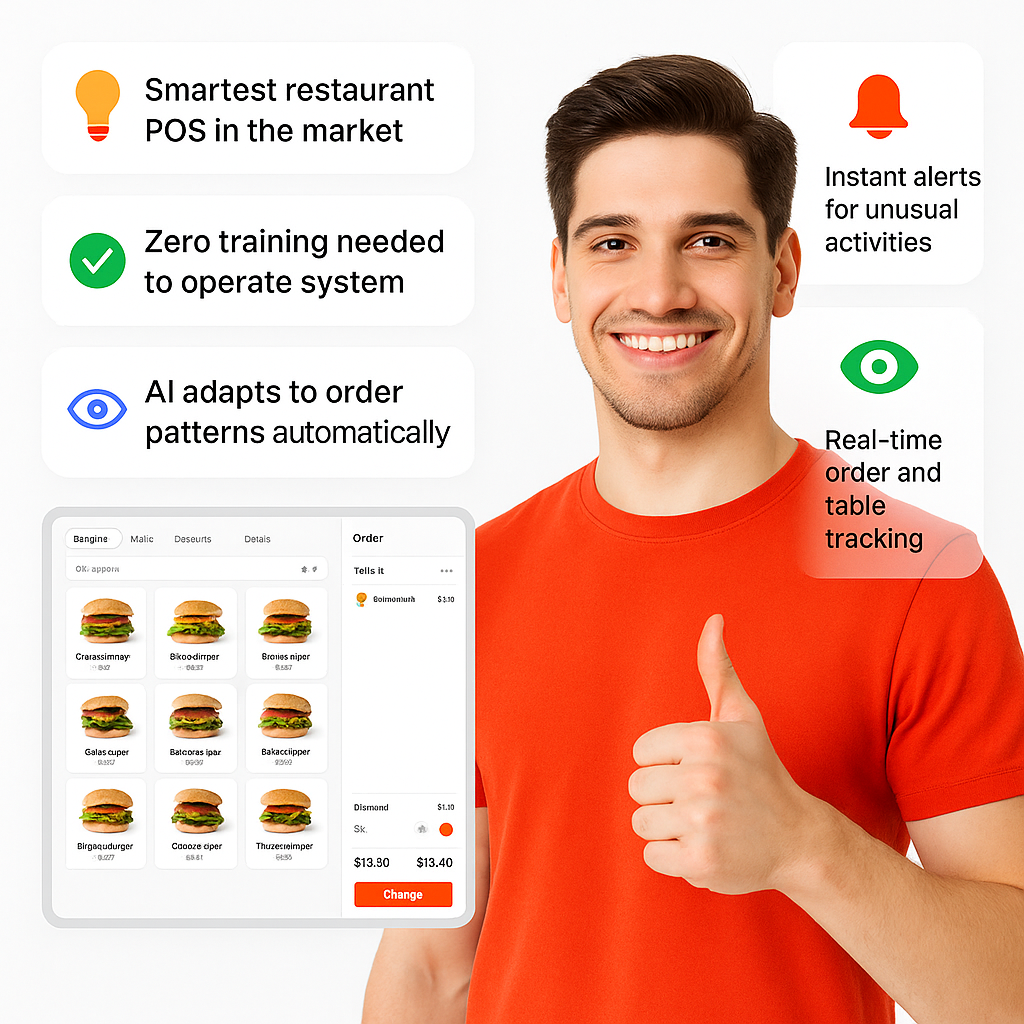
  • Smartest restaurant POS in the market
  • Zero training needed to operate system
  • One-screen access to all actions
  • AI adapts to order patterns automatically
  • Real-time order and table tracking
  • Instant alerts for unusual activities
  • Designed for speed during peak hours
POS

Ask AI About Business

BrixPOS lets restaurant owners ask real-time business questions through voice or chat in any language — and get intelligent, easy-to-understand answers instantly.

  • Ask questions in your own language
  • Get real-time answers via chat or voice
  • Understand sales, staff, or expenses instantly
  • AI interprets natural, human-like queries
  • Supports voice-to-voice and voice-to-text
  • Available 24/7 like a digital manager
  • Eliminates need for data-savvy staff
 Business

Daily AI Report

At the end of each day, BrixPOS automatically generates a 13-page AI-powered business report and delivers it directly to the owner’s WhatsApp — no manual input required.
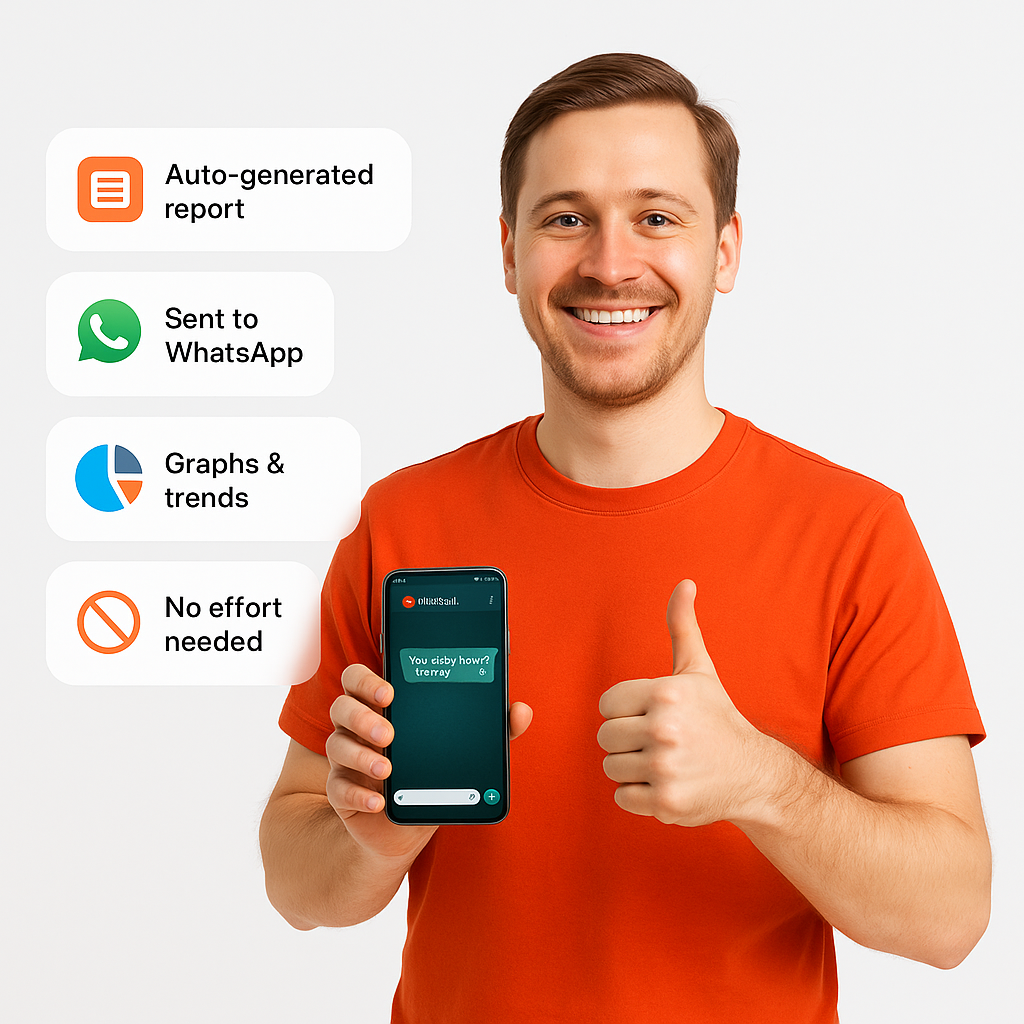
  • Auto-generated daily by BrixPOS AI
  • Sent to owner’s WhatsApp instantly
  • 13-page summary with no effort
  • Highlights sales, expenses, variances
  • AI adds insights and suggestions
  • Full report in your native language
  • Graphs, trends, and staff overview
Report

Free Online Ordering Website

Every BrixPOS subscriber gets a fully branded, mobile-friendly website to accept direct customer orders — with 0% commission and full control over menus, pricing, and promotions.
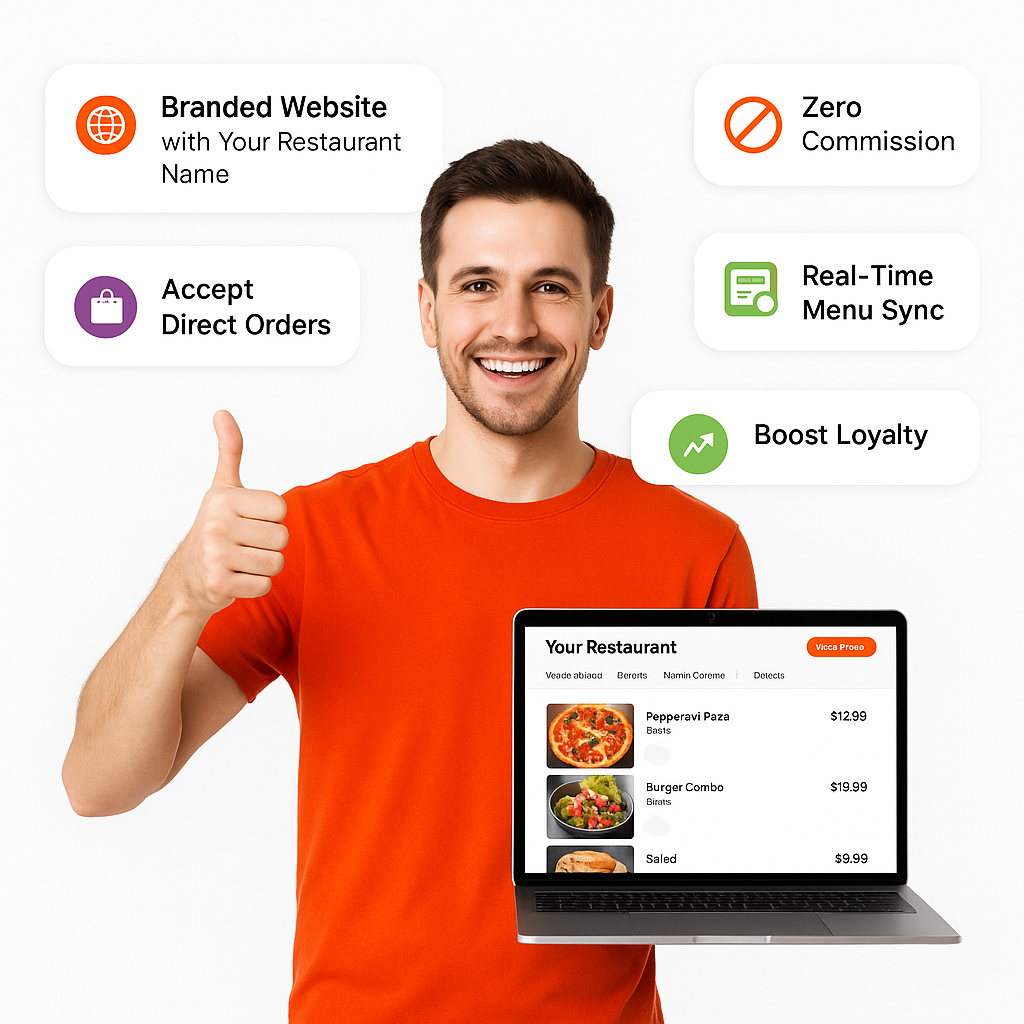
  • Branded website with your restaurant name
  • Zero commission unlike aggregators
  • Accept dine-in, delivery, or pickup orders
  • Showcase special combos and offers
  • Real-time menu & stock sync
  • Online reservation and pre-order support
  • Boost direct sales and customer loyalty
Ordering Website

Financial Dashboards

BrixPOS’s Financial Dashboards present audited financial insights including Profit & Loss, VAT, and Tax dashboards — all auto-generated and visually presented in a way anyone can understand.
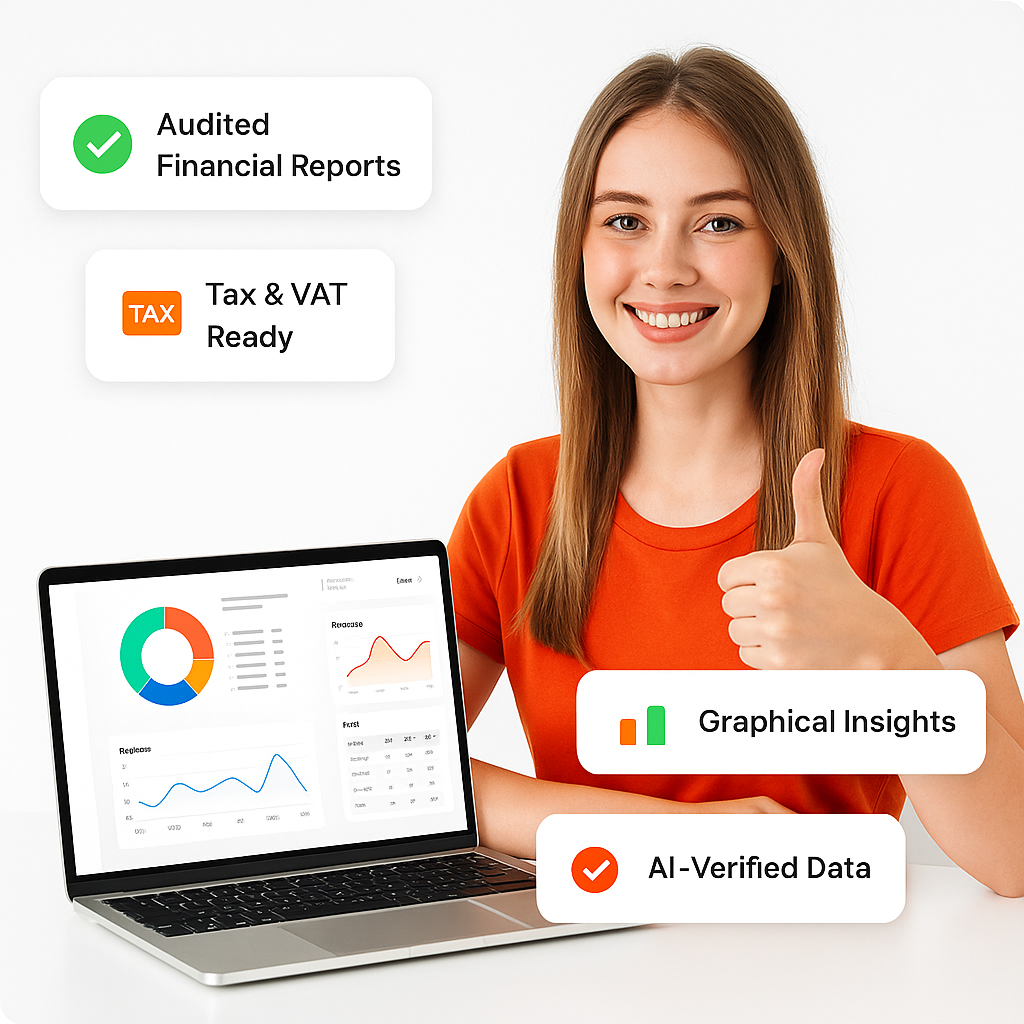
  • Audited P&L, Balance Sheet, Trial Balance
  • Corporate Tax and VAT Dashboards
  • Designed for non-financial restaurant owners
  • AI-reviewed and bookkeeping-team verified
  • Supports FTA-compliant UAE reporting
  • Graphical charts and performance ratios
  • Compare monthly, quarterly, yearly data
Dashboards

AI Day-Close

After the last shift ends, BrixPOS guides the cashier or manager through an AI-verified day-close process — complete with checks, approvals, and WhatsApp-based verification.
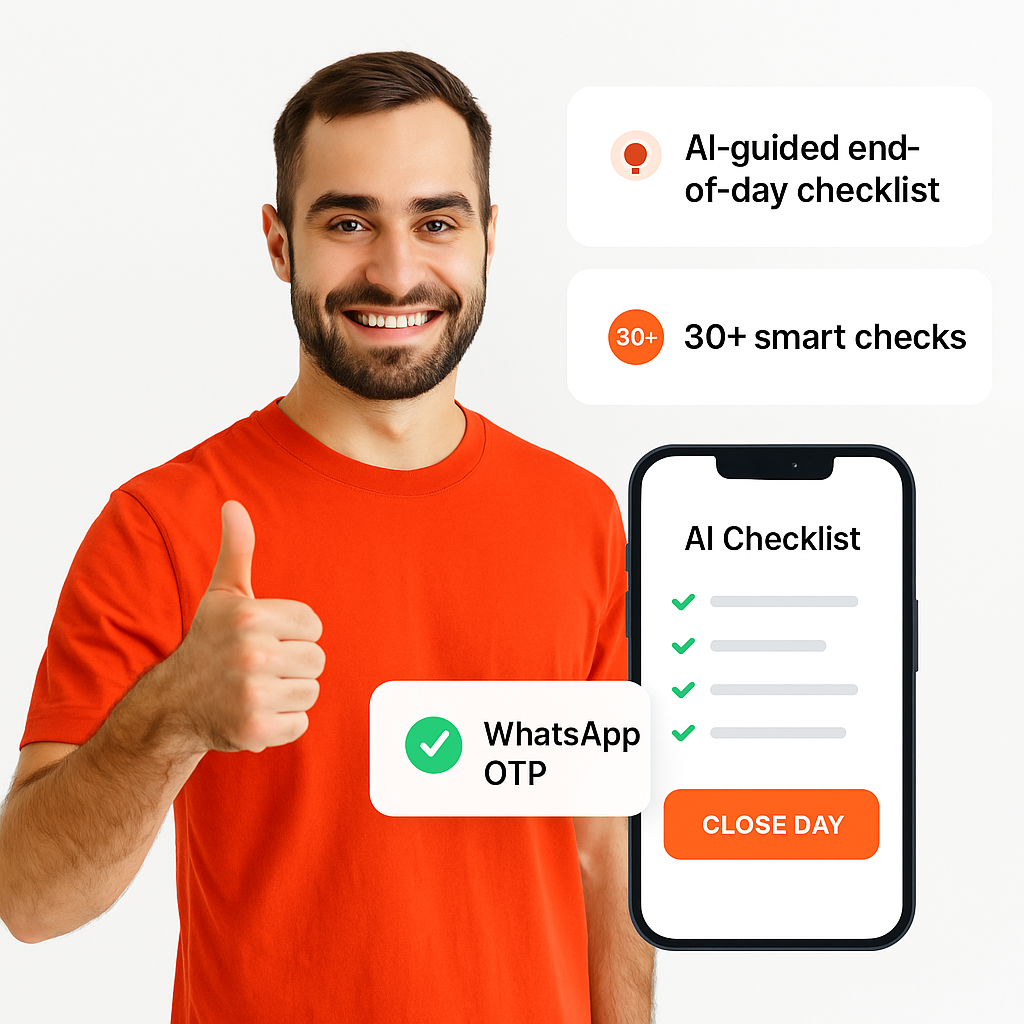
  • AI-guided end-of-day checklist
  • 30+ smart checks before closing
  • Confirms sales, expenses, and cash count
  • Highlights missing steps or errors
  • Requires owner or manager approval
  • WhatsApp OTP for final verification
  • Reduces fraud, error, and oversight
Day-Close

Cashier Shift Management

BrixPOS enforces a one-cashier-per-shift policy, tracking every cash movement, login/logout, and drawer activity to ensure secure and transparent shift handling.
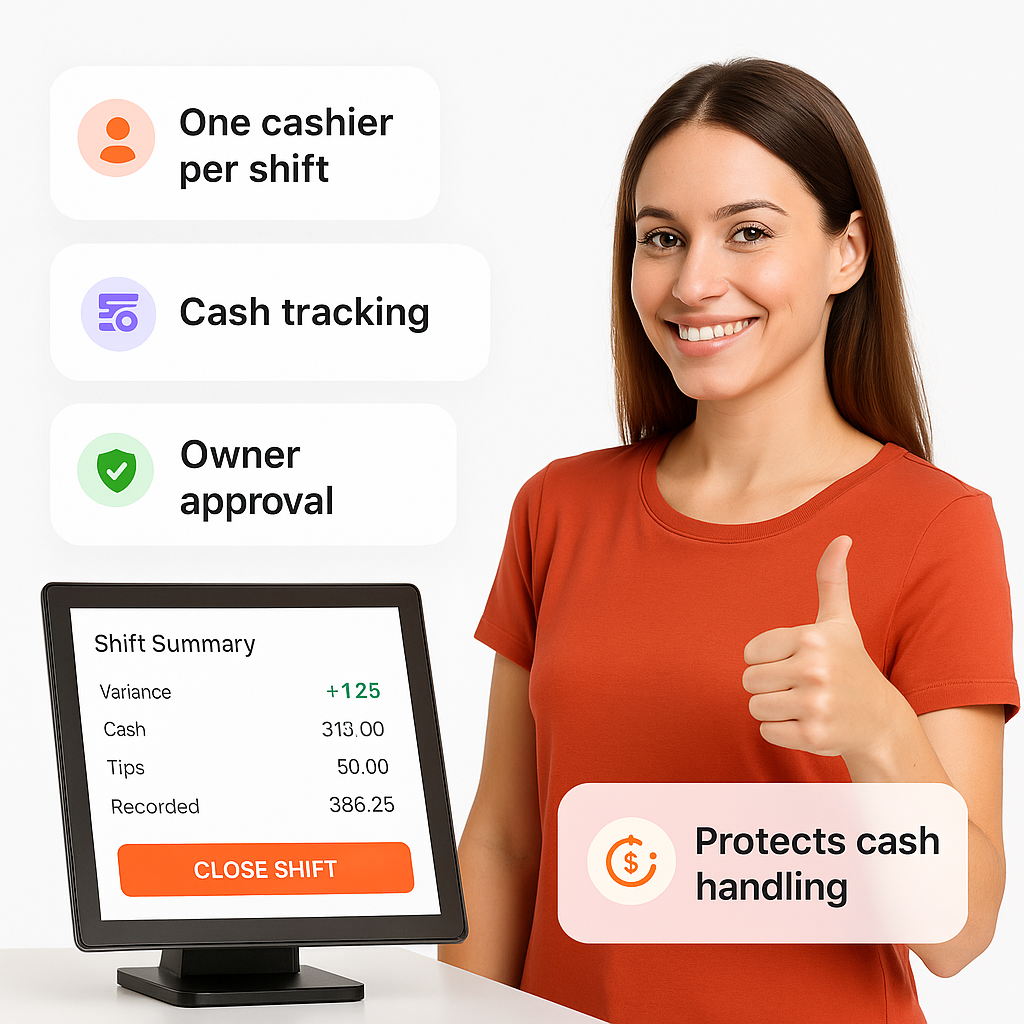
  • Only one cashier active per shift
  • Real-time tracking of drawer cash
  • Automated shift login/logout controls
  • System-enforced shift closing rules
  • Manager/owner approval before closure
  • Shift summary with variances recorded
  • Prevents cash theft or mismanagement
Shift Management

Smart Discount Management

BrixPOS lets restaurants create detailed, rule-based discounts with optional approval, customer targeting, and automated promo scheduling through BrixSocial and WhatsApp broadcast.
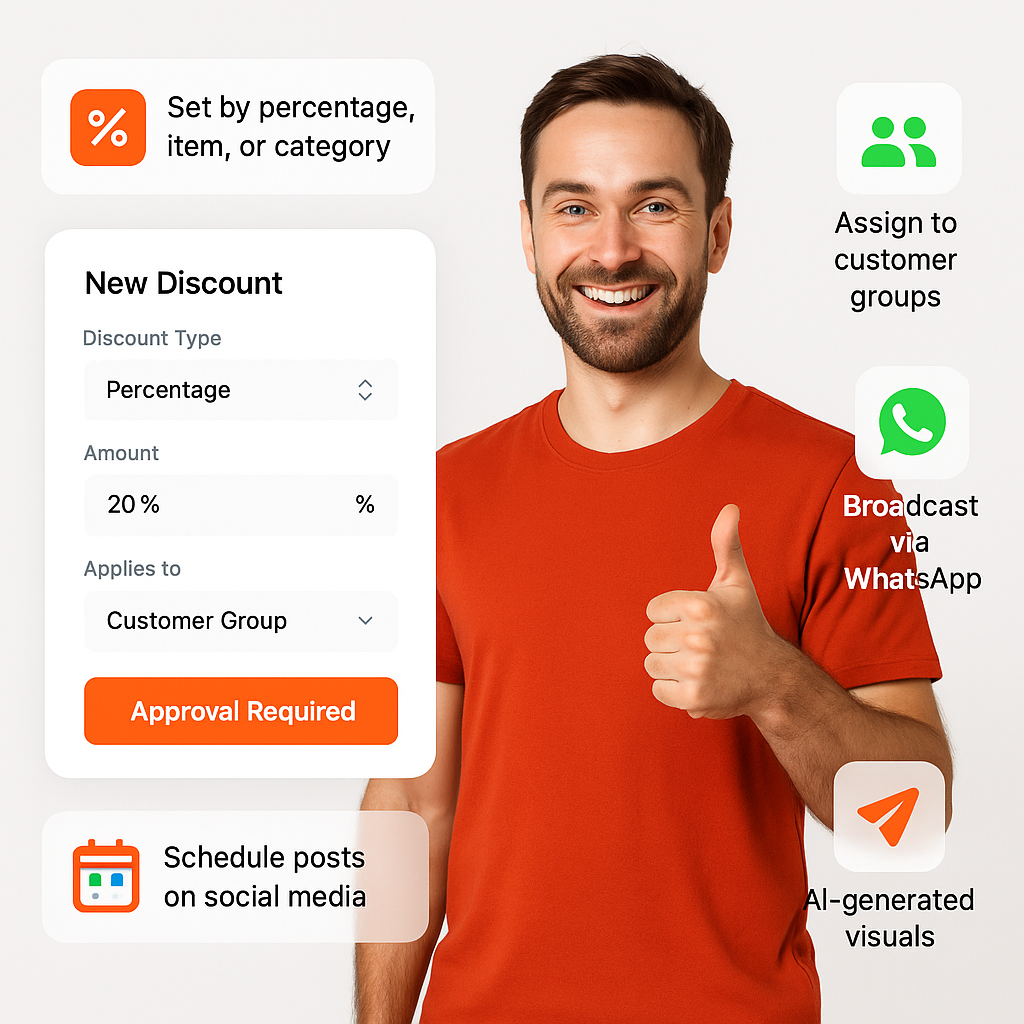
  • Set by percentage, item, or category
  • Assign to customer groups or time slots
  • Optional approval by manager or supervisor
  • AI auto-generates promotional visuals
  • Schedule for auto-post on social media
  • Broadcast via WhatsApp to target groups
  • Link directly to menu items or combos
 Management

Built-In CRM & Customer Groups

BrixPOS automatically builds customer profiles based on order behavior, categorizes them into groups, and enables targeted promotions, WhatsApp campaigns, and loyalty strategies — all without needing extra tools.
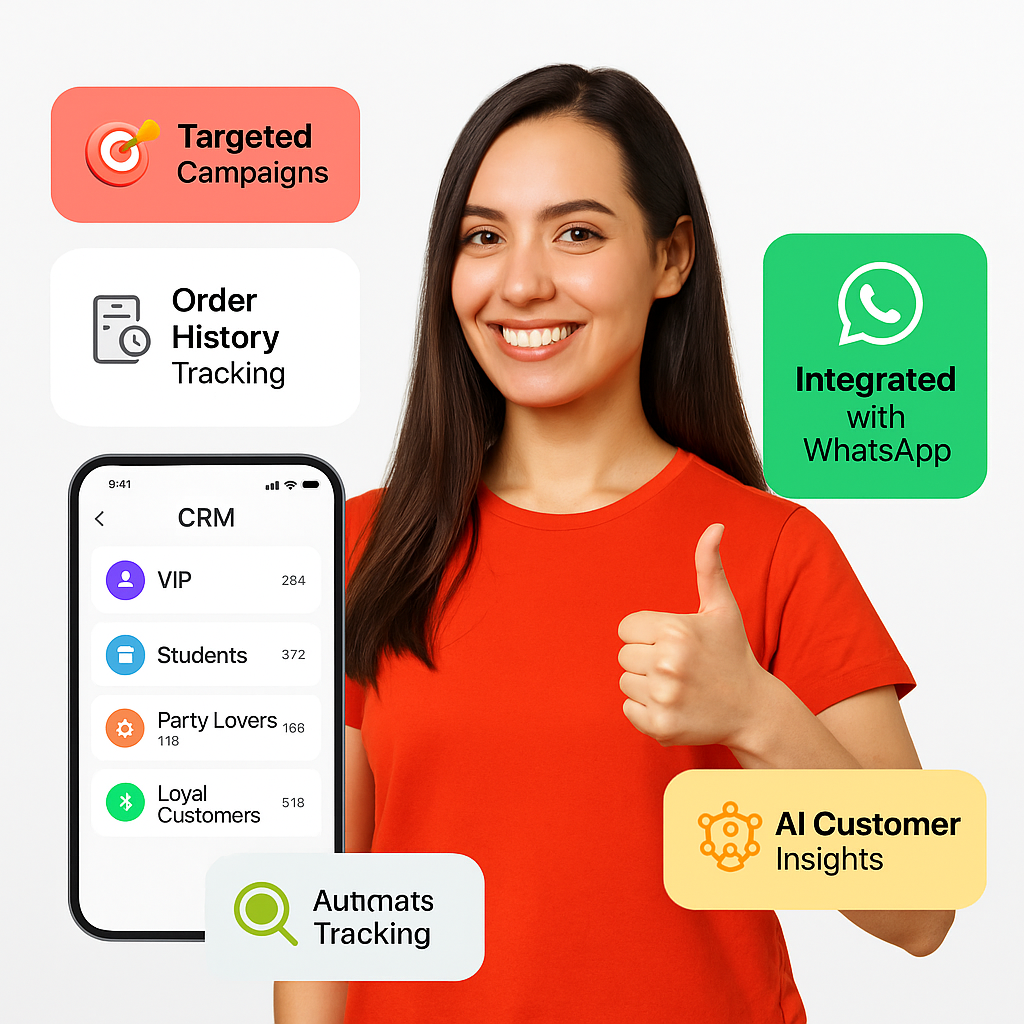
  • Auto-creates 25+ customer group types
  • Tracks individual order history & value
  • Enables targeted discounts & campaigns
  • Integrated with WhatsApp & social media
  • Helps build loyalty and repeat business
  • Filters VIPs, Students, Party Lovers, etc.
  • AI insights on customer patterns & retention
CRM & Customer Groups

AI-Powered Promotions

Create full marketing campaigns in BrixPOS by combining discounts, coupon codes, and customer targeting — then auto-generate and schedule content across social media and WhatsApp.

  • Bundle offers, discounts, and coupons together
  • Target by time, group, or category
  • AI creates campaign images and captions
  • Auto-schedule on Facebook, Instagram, TikTok
  • WhatsApp blast to specific customer group
  • Monitor reach and engagement per channel
  • Zero design or marketing skill needed
Promotions

Owner's Mobile App

BrixPOS includes a dedicated app for restaurant owners to monitor sales, approve transactions, communicate with staff or auditors, and access real-time insights — all from their smartphone.
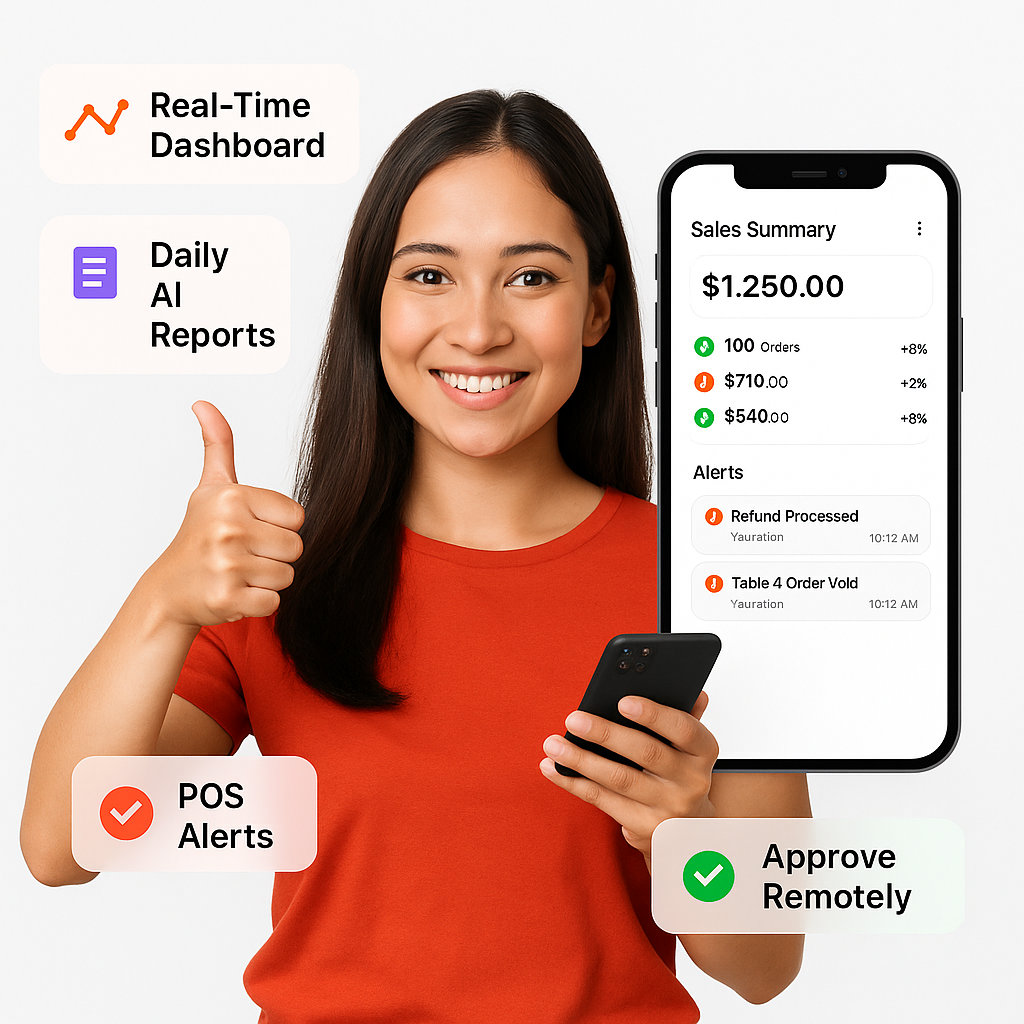
  • Real-time dashboard: sales, expense, performance
  • AI-generated reports delivered daily
  • Approve discounts, deletions, or day-close remotely
  • Chat securely with auditor or management
  • Get alerts for unusual POS activities
  • Track staff attendance and shift updates
  • Available on iOS and Android
Mobile App

POS Operational Dashboards

BrixPOS gives owners access to beautifully visualized dashboards for daily sales, expenses, staff activity, and menu insights — all designed to be understood at a glance.
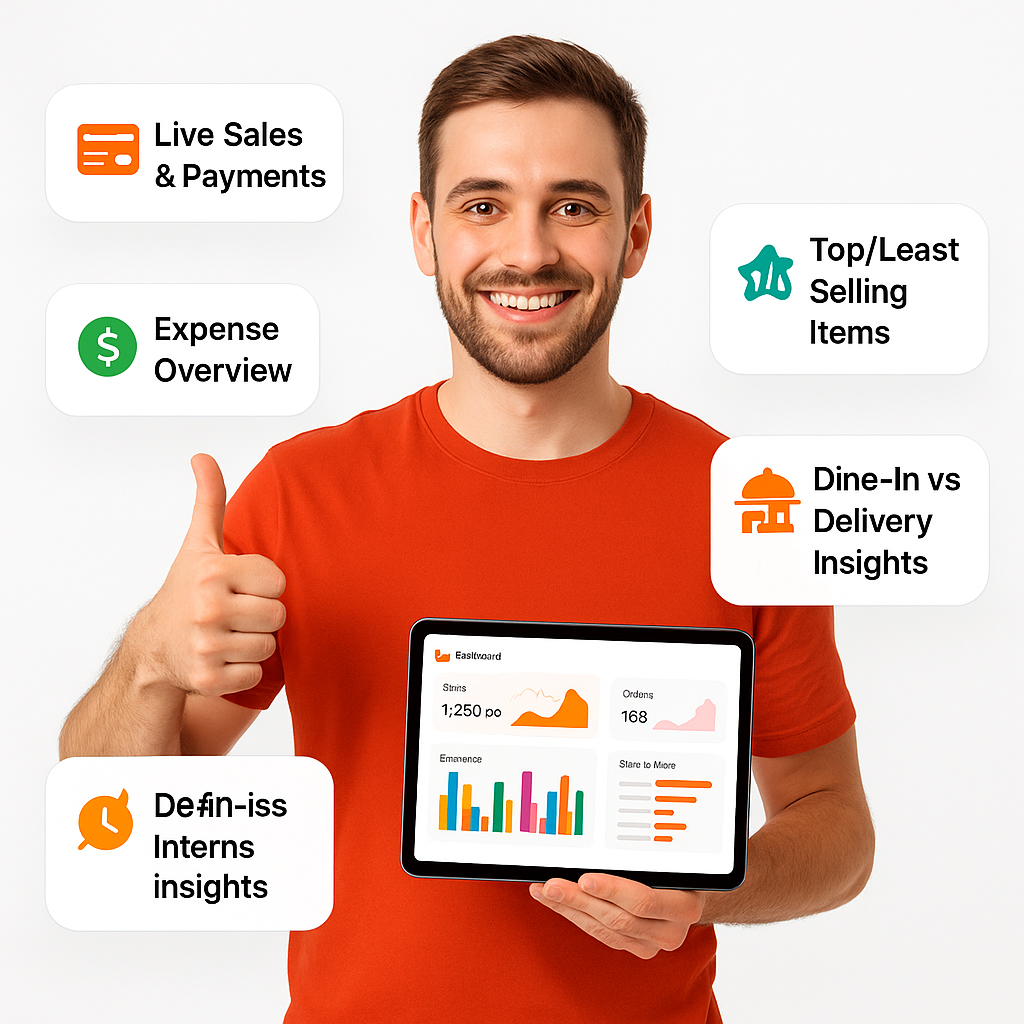
  • Live sales, orders, and payment tracking
  • Real-time expense and petty cash overview
  • Staff attendance and shift tracking dashboard
  • Top/least-selling items by hour/day
  • Dine-in vs. delivery vs. takeaway insights
  • Dashboard filters by day, week, month
  • Graphs and alerts for smarter action
Dashboards

Multi-Kitchen KOT Routing

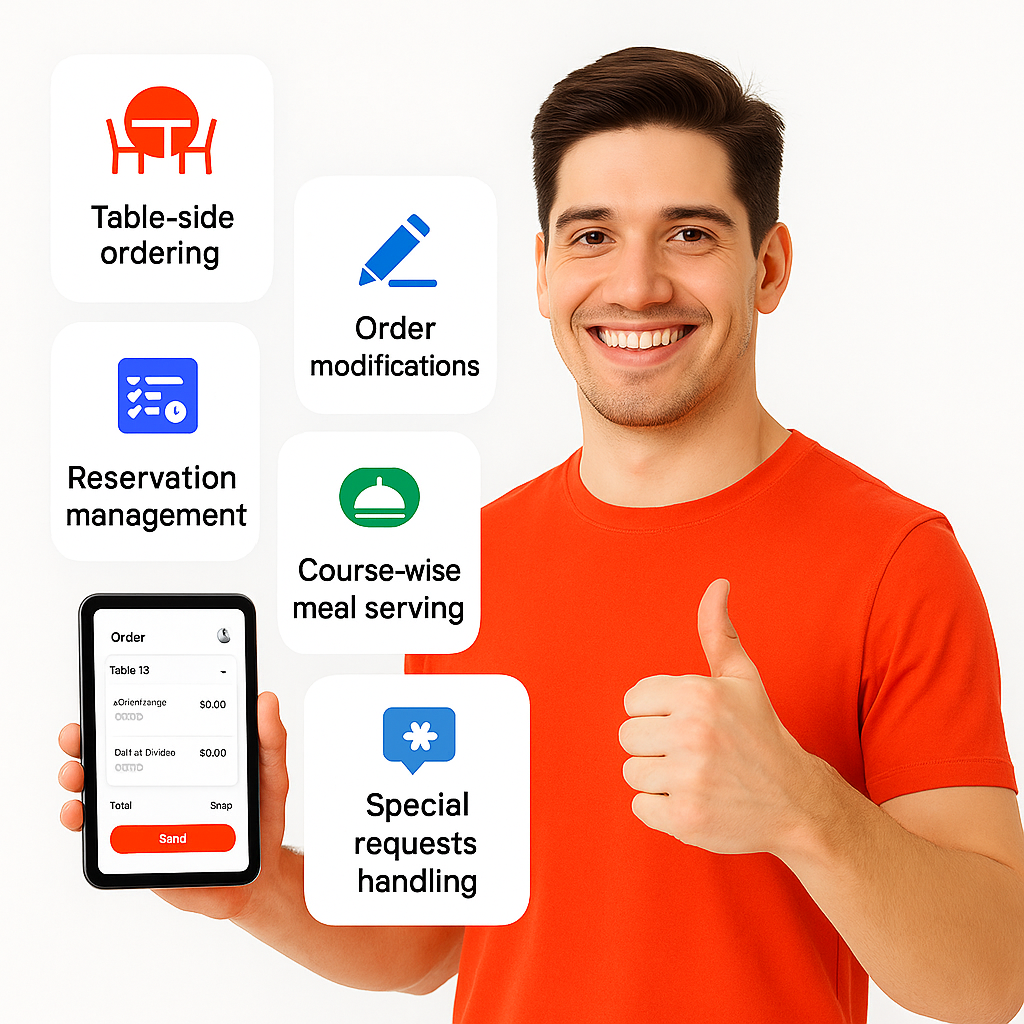
BrixPOS automatically routes each food or drink item to its assigned kitchen station or printer — ensuring the right team receives the right order at the right time.
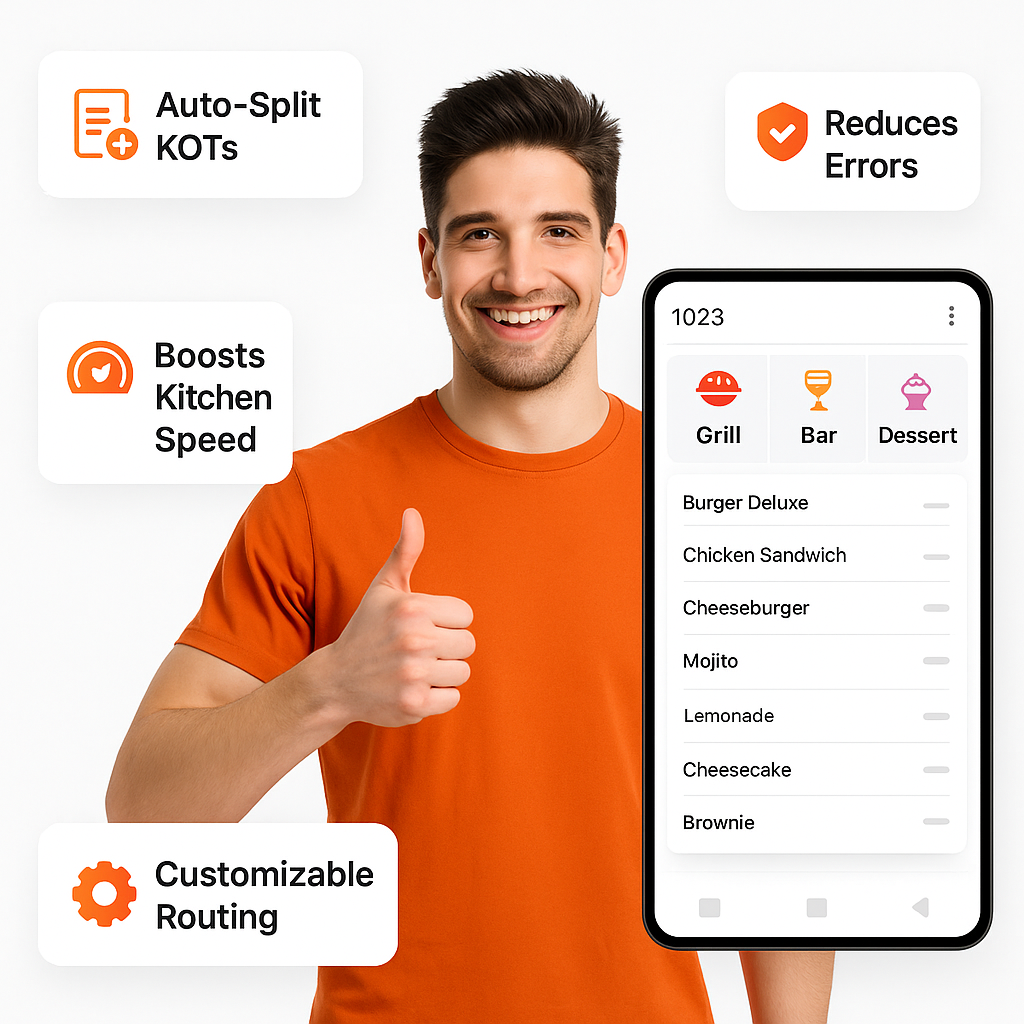
  • Auto-splits KOTs by item category
  • Routes to grill, bar, dessert, or cold prep
  • Reduces errors and kitchen miscommunication
  • Supports both printer and KDS output
  • Ensures simultaneous preparation across stations
  • Improves kitchen speed and accuracy
  • Fully customizable by restaurant layout
KOT Routing

Waiter Ordering App

Waiters can take orders using their mobile or tablet, and the system instantly sends KOTs to the respective kitchen printers — ensuring faster, error-free service.
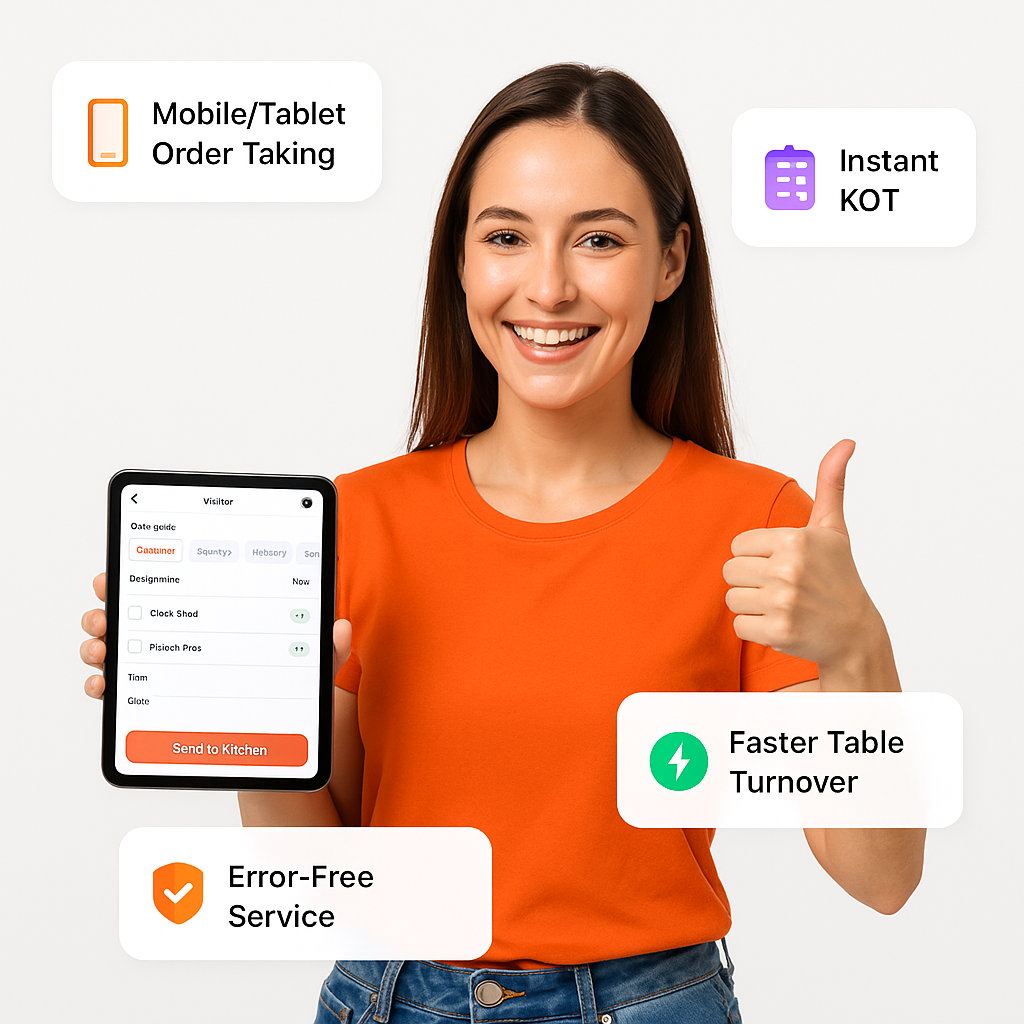
  • Take orders using mobile or tablet
  • Sends KOT directly to kitchen section
  • Reduces wait time and human errors
  • Supports add-ons, notes, and modifiers
  • Increases table turnover and service speed
  • Tracks waiter activity and performance
  • Eliminates manual order relay delays
Ordering App

Kitchen Display (KDS)

BrixPOS’s Kitchen Display System replaces paper tickets by showing live orders on kitchen screens, enabling faster prep times, fewer mistakes, and real-time kitchen performance tracking.
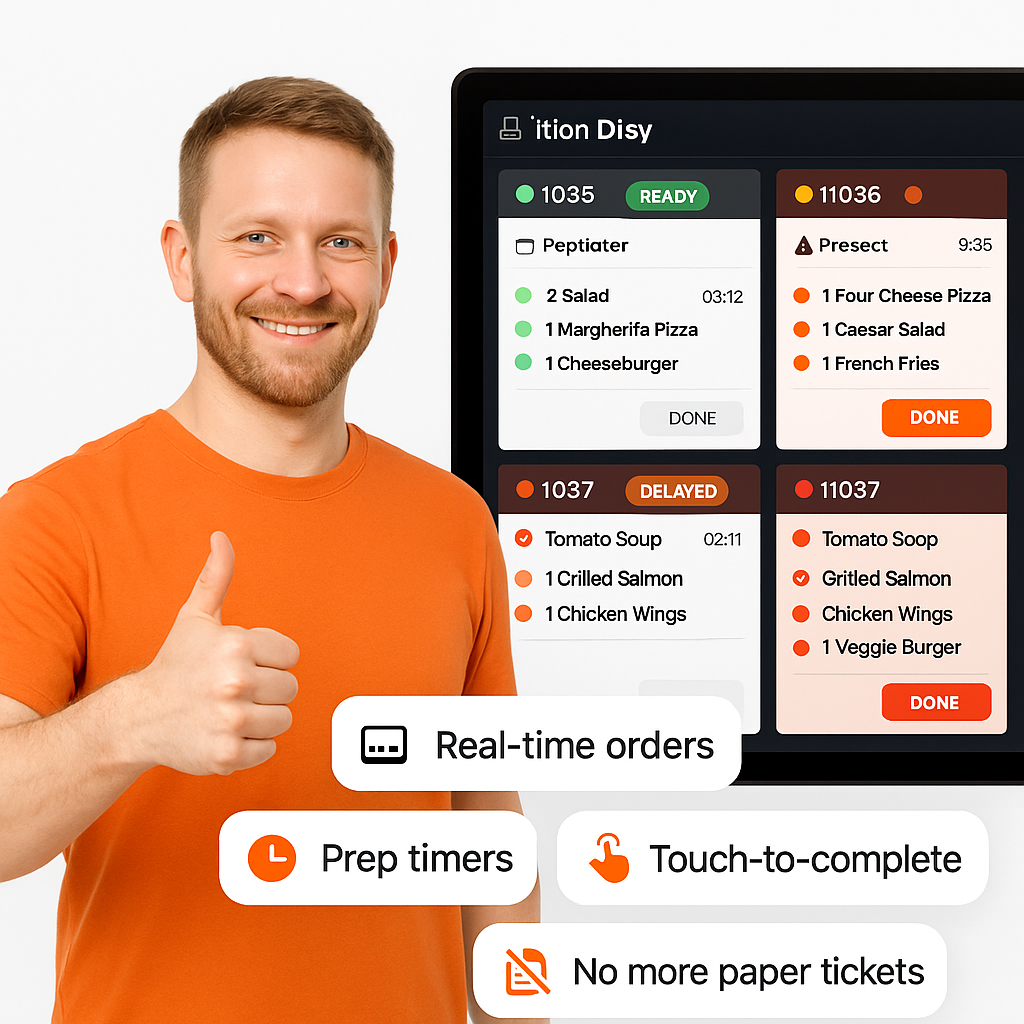
  • Real-time orders displayed on screen
  • Auto-sorted by time or priority
  • Prep timers for every order item
  • Alerts for delayed or missed items
  • Touch-based completion and status update
  • Supports multiple kitchen sections
  • No paper tickets or shouting needed
Display (KDS)

QR Table Ordering

Customers can scan a table-side QR code to browse the menu, place orders, track them, and complete payment — all without waiting for staff assistance.
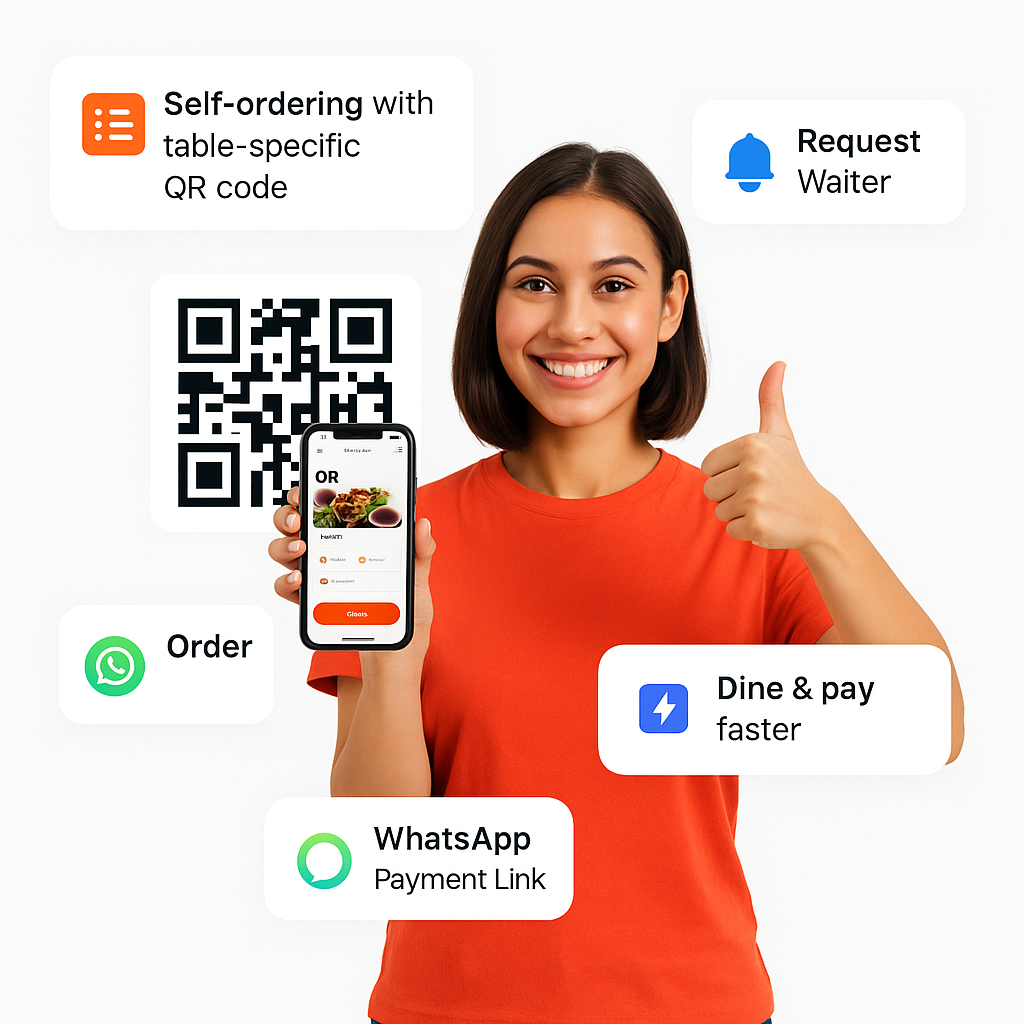
  • Self-ordering with table-specific QR code
  • Call waiter or check order status
  • Add items to an existing order
  • Request bill with cash/card option
  • Get payment link via WhatsApp instantly
  • Dine, pay, and leave without delays
  • Reduces waiter load, increases satisfaction
Ordering

Live Table Management & Request System

BrixPOS lets restaurants manage tables in real time, track occupancy, respond to guest requests instantly, and maintain seamless coordination between service staff and the kitchen.
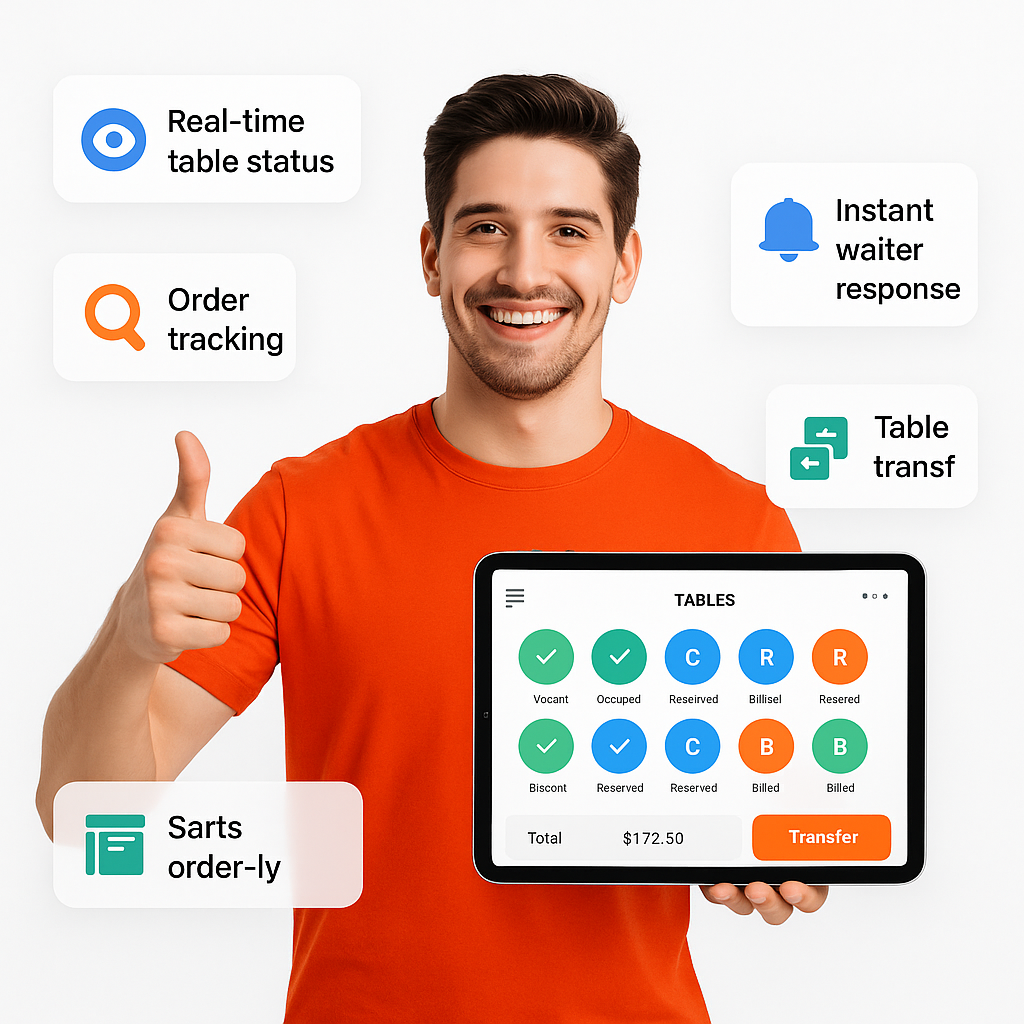
  • Real-time view of all tables
  • Status: Vacant, Occupied, Reserved, Billed
  • Track order progress table-by-table
  • Respond to 'Call Waiter' instantly
  • Auto-sync with POS and waiter devices
  • Assign or transfer tables easily
  • Enhances service speed and customer care
Request System

Smart Reservation & Booking System

BrixPOS enables restaurants to manage a wide range of reservations — from tables to events — with customizable options, party-specific pricing, advance payments, and automated WhatsApp reminders.
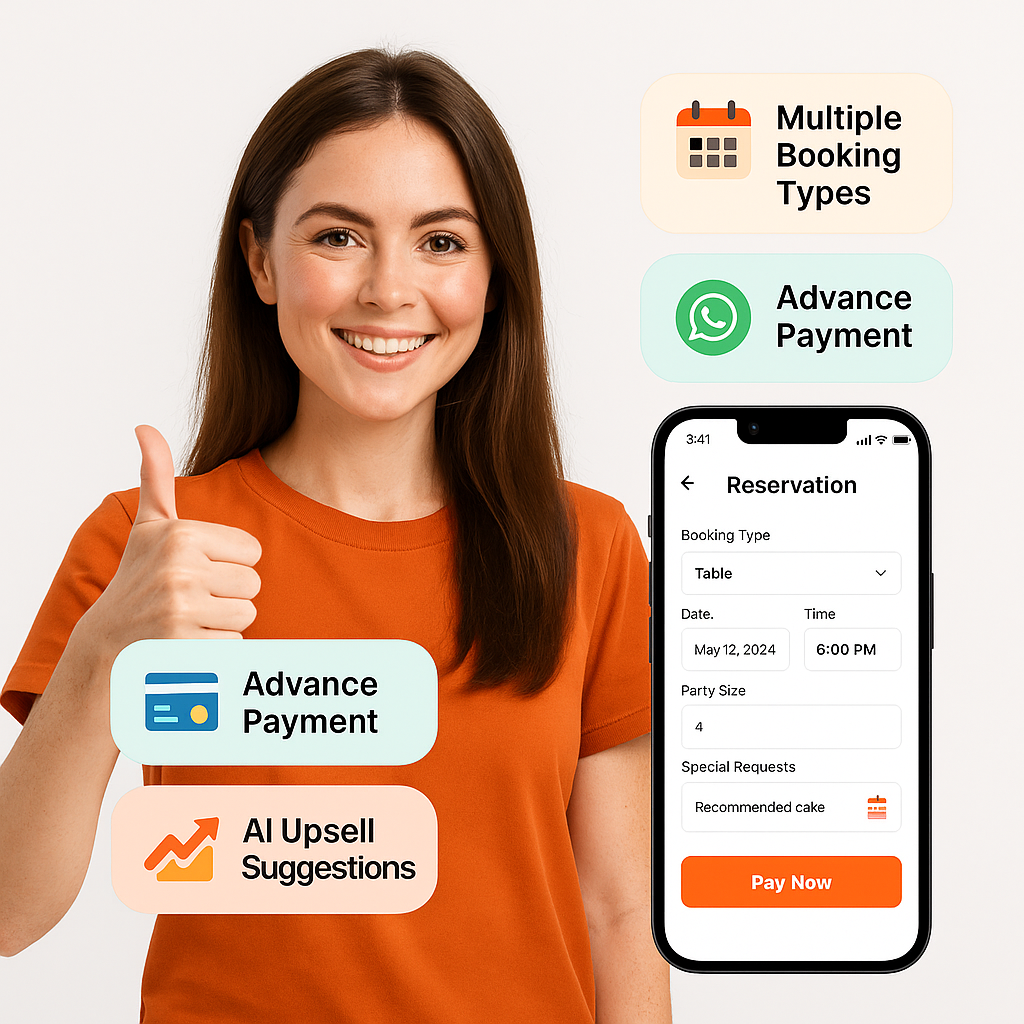
  • Create multiple booking types: table, buffet, party
  • Define peak/off-peak offers for party slots
  • Add special requirements (cake, décor, etc.)
  • Customer pays advance securely online
  • Auto WhatsApp reminders to customer & staff
  • Booking status syncs with POS and kitchen
  • AI suggests upsells during reservation process
Booking System

POS Activity Tracker (History Log)

BrixPOS tracks all sensitive POS actions — including discounts, deletions, approvals, and changes — with user ID, timestamps, and device details for complete operational transparency.
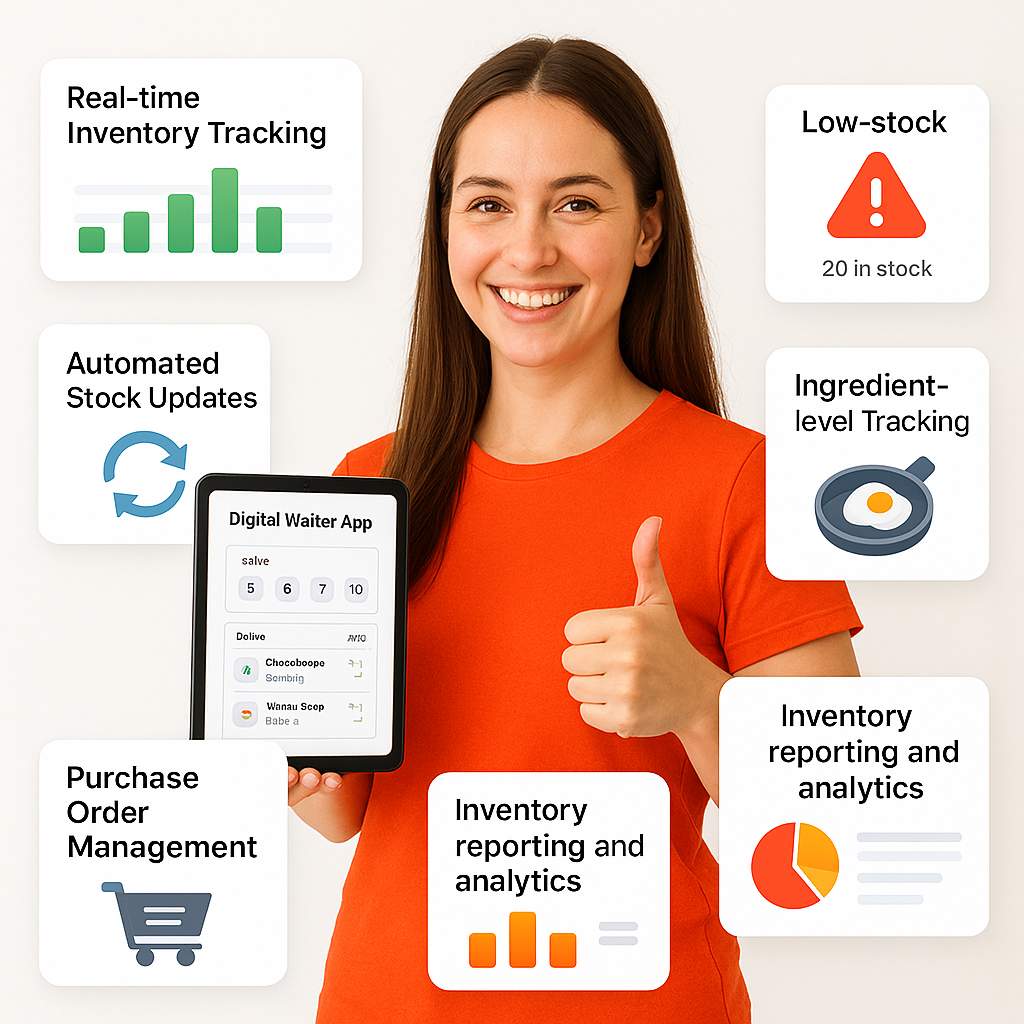
  • Logs every sensitive POS action
  • Tracks who did what and when
  • Shows time, date, and device info
  • Monitors discounts, voids, edits, approvals
  • Protects against misuse and manipulation
  • Fully visible to owners and managers
  • Boosts trust, transparency, and security
Tracker (History Log)

Delivery App for Drivers

BrixPOS includes a dedicated mobile app for in-house delivery staff — allowing restaurants to assign orders, track deliveries in real-time, and update customers automatically on order progress.
  • Assign delivery orders to in-house drivers
  • Drivers see route and delivery details instantly
  • Real-time GPS tracking of driver location
  • Customers receive live delivery status via WhatsApp
  • Mark delivery as complete with digital signature
  • Track amount collected by each driver
  • Improves delivery speed and customer trust
for Drivers

Expense Tracking

Track daily expenses and petty cash in real time through BrixPOS, with structured vendor categories, approval flows, and automated syncing to BrixBooks for auditing.
  • Log expenses directly from POS system
  • Supports partial or full invoice payments
  • Assign categories, subcategories, and vendors
  • Auto-syncs with BrixBooks accounting system
  • Includes petty cash with opening/closing balance
  • Part of the Daily AI Business Report
  • Auditor chat for expense-level clarifications
Tracking

POS Table Management Interface

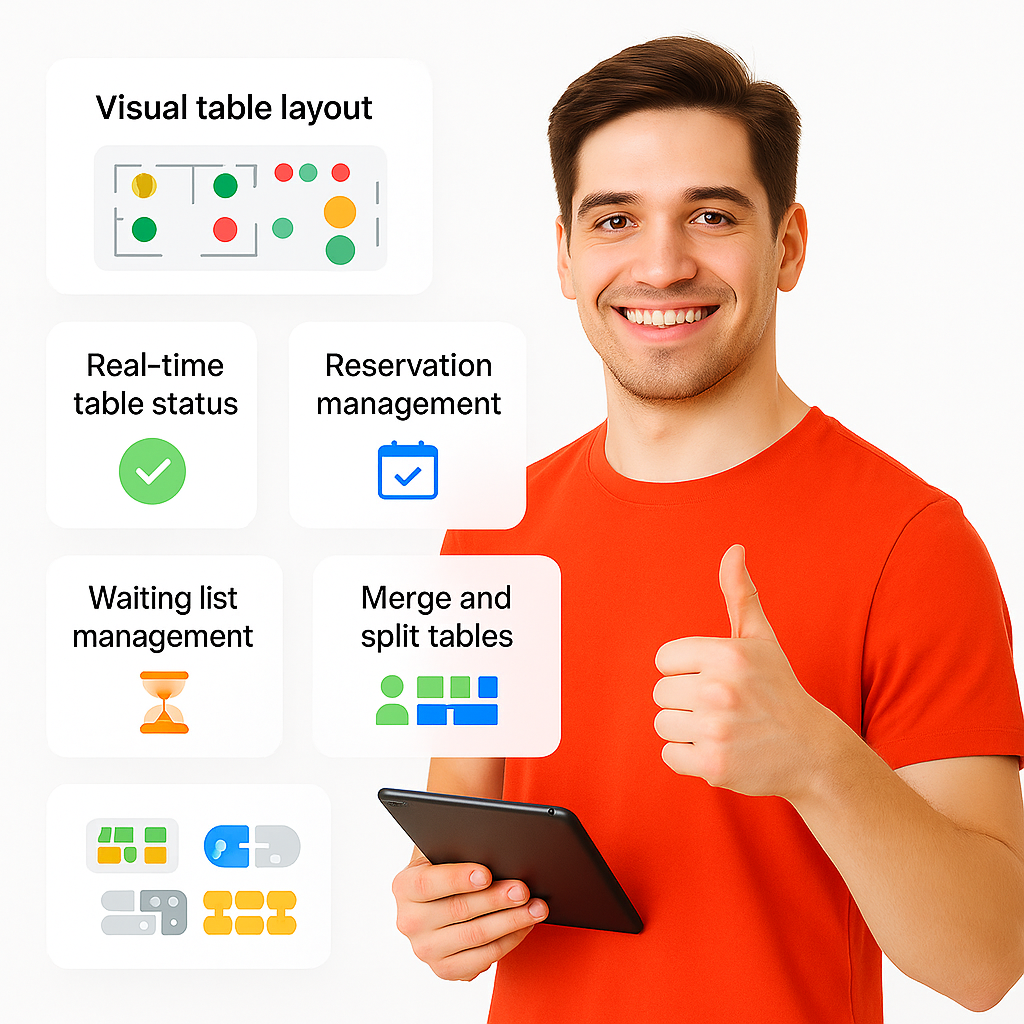
BrixPOS provides a drag-and-drop visual interface to view, manage, and assign tables in real-time — with color-coded status, waiter assignment, and instant access to order history.
  • Visual layout of all restaurant tables
  • Status: vacant, occupied, billing, reserved
  • Assign or transfer tables in one tap
  • Link orders to waiters instantly
  • View current orders and billing status
  • Helps during peak-hour table rotations
  • Ideal for dine-in or fine-dining setups
Management Interface

Real-Time Order Tracking

BrixPOS keeps customers updated with real-time order status via WhatsApp and QR tracking — whether they order from dine-in, QR, or online — enhancing transparency and satisfaction.

  • WhatsApp link sent after order placement
  • Customers scan QR to track live status
  • Works for dine-in, takeaway, delivery
  • Status updates: accepted → cooking → ready → delivered
  • Fully integrated with POS and kitchen workflow
  • Reduces customer follow-up and wait anxiety
  • Boosts trust, satisfaction, and repeat orders
Order Tracking

AI Suspicious Activity Monitor

BrixPOS AI continuously analyzes staff behavior and system activity to detect anomalies such as unusual logins, excessive voids, or after-hours access — instantly alerting the owner to take action.
  • AI watches for out-of-pattern activity
  • Flags suspicious discounts, voids, refunds
  • Detects access from unauthorized devices
  • Alerts for abnormal shift hours or logins
  • Instant WhatsApp alert to owner or manager
  • Helps reduce internal theft or misuse
  • Builds trust with accountability framework
Activity Monitor

AI Alert: Too Many Discounts

BrixPOS AI continuously monitors billing patterns and alerts owners or managers when an unusual number of discounts are applied — helping control revenue leaks and prevent abuse.
  • AI scans for excessive discount activity
  • Notifies owner if thresholds are crossed
  • Tracks frequency, type, and user pattern
  • Helps identify misuse or training issues
  • Prevents silent profit erosion
  • Works on item-wise or bill-wise discounts
  • Full transparency with instant alerts
Too Many Discounts

AI Alert: High Void Rate

BrixPOS AI tracks the frequency and pattern of voided orders or items, and alerts management when a high void rate is detected — helping prevent misuse and operational losses.
  • AI detects frequent voids in POS
  • Tracks item-wise and bill-wise voids
  • Sends alerts to owner or manager
  • Identifies suspicious behavior patterns
  • Supports corrective staff training or review
  • Flags operational inefficiencies or abuse
  • Increases billing accuracy and integrity
High Void Rate

AI Smart Queue Notification

BrixPOS’s AI monitors the order queue in real time and alerts managers or owners when the kitchen is overloaded — helping reduce delays, manage expectations, and optimize staff performance.

  • UAI tracks live order queue volume
  • Sends alerts when queue exceeds threshold
  • Helps avoid kitchen overload and customer wait
  • Notifies manager or owner instantly
  • Suggests actions to reduce backlog
  • Prevents bottlenecks during peak hours
  • Enhances customer service speed and consistency
Queue Notification

Petty Cash Management

BrixPOS offers a structured Petty Cash module where restaurants can track opening and closing balances, monitor small spendings, and maintain full visibility over cash movement — synced with daily reports and accounting.
  • Set daily opening and closing balances
  • Record every petty expense with category
  • Assign petty cash responsibility by user
  • Integrated with Daily Detailed Report (DDR)
  • Synced with BrixBooks for audit trail
  • AI detects unusual or unbalanced usage
  • WhatsApp notifications to owners for reviews
Cash Management

Multiple Payment Gateways Integration

BrixPOS supports 11+ global and regional payment gateways, allowing customers to pay via their preferred method — online or offline — across dine-in, delivery, and self-ordering channels.
  • Supports 11 major global gateways
  • Includes Stripe, Razorpay, PayPal, FPX, Paytm
  • Also covers Flutterwave, Paystack, Moyasar
  • Integrates with website, QR, mobile app
  • Accept online or offline payment types
  • Seamless checkout improves order conversion
  • Expand payment options for global growth
Gateways Integration

Aggregator-Specific Pricing

BrixPOS allows you to assign different prices for the same menu item across various delivery platforms like Zomato, Talabat, Deliveroo, and more — helping you stay profitable.
  • Set unique prices per aggregator
  • Adjust for platform commission rates
  • Preserve profit margins automatically
  • Avoid overcharging dine-in customers
  • Changes auto-sync with your POS backend
  • Works with all major UAE aggregators
  • Manage multi-channel pricing from one screen
Pricing

Combo/Package Builder

BrixPOS allows you to build custom meal combos using either a fixed package price or a percentage discount — giving restaurants flexibility to create value-driven offers for customers.
  • Bundle items into fixed-price combos
  • Option for % discount on original total
  • Add sides, drinks, or upsell extras
  • Instantly reflected in POS and ordering website
  • Tag as “Family Meal” or “Combo Deal”
  • Great for upselling and festive menus
  • Simplifies pricing and kitchen coordination
Builder

POS Role-Based Access

Define and control user access within BrixPOS by assigning role-based permissions — ensuring each staff member can only perform tasks relevant to their job responsibility.
  • Create roles like Cashier, Waiter, Manager, Auditor
  • Assign custom permissions per role
  • Restrict actions like discounts, voids, reports
  • Lock sensitive screens with WhatsApp OTP
  • Audit logs track who did what and when
  • Supports multi-user login on shared devices
  • Enhances accountability and data security
Access

Owner–Auditor Secure Chat

A private, secure communication channel built into BrixPOS, exclusively for restaurant owners and auditors — with voice notes, attachments, and invoice-level conversations to ensure accuracy and accountability.
  • Only visible to Owner and Auditor
  • Chat directly on each expense item
  • Share voice notes and receipts instantly
  • Toggle ON/OFF for follow-up flag
  • Every message backed up via WhatsApp
  • Improves audit turnaround and accuracy
  • Keeps financial discussions confidential
Secure Chat

Seamless Menu & Category Management

BrixPOS provides a dynamic menu control center where restaurants can manage items, categories, extras, images, and allergen info — all synced live across all platforms and optimized for fast loading via Bunny.net.
  • Add items with variants and add-ons
  • Tag allergens, veg/non-veg indicators
  • Upload multiple food images per item
  • Highlight items as “New” or “Best Seller”
  • Hide/show items on website or POS
  • Stored on Bunny.net for lightning-fast load
  • Real-time sync to website and aggregators
Category Management

Digital Receipts via WhatsApp

BrixPOS sends digital receipts to customers via WhatsApp, along with a direct link to leave a Google Review — configured using the restaurant’s Place ID for seamless feedback collection.

  • WhatsApp digital bill in real-time
  • No printing = cost & time savings
  • Includes direct Google Review link
  • Review opens instantly (no extra taps)
  • Boosts online reputation & visibility
  • Customizable message, logo, and format
  • Works for dine-in, delivery, or takeaway
WhatsApp

Multi-Channel Notifications (WhatsApp, SMS, Email)

BrixPOS supports automated notifications via WhatsApp, SMS (via Twilio), and Email — allowing restaurants to keep customers, staff, and management informed through their preferred channel.
  • Send alerts via WhatsApp, SMS, or Email
  • Use Twilio for SMS integration
  • Email setup completed during onboarding
  • Choose channel per user/customer type
  • Notify staff, drivers, owners automatically
  • Works for receipts, updates, reminders, OTP
  • Enhances reliability of every communication
 Notifications (WhatsApp, SMS, Email)

Instant Website with Online Ordering

BrixPOS instantly publishes a fully functional ordering website as soon as onboarding is complete — with either a free BrixPOS subdomain or the restaurant’s own domain, configured automatically for immediate use.
  • Website live right after registration
  • Free BrixPOS subdomain auto-generated
  • Add your own domain anytime
  • System auto-configures domain setup
  • Menu, prices, and orders sync instantly
  • Accept orders with 0% commission
  • Ready for dine-in, delivery, and reservations
Online Ordering

Smart Delivery Charge Engine

BrixPOS offers dual delivery pricing methods — set charges based on delivery radius or manually define areas and rates. Charges are auto-applied during checkout based on customer location.
  • Choose between radius-based or area-based pricing
  • Auto-calculate charges based on customer location
  • Define custom delivery zones and set flat rates
  • Prevents undercharging and overcharging
  • Syncs with online orders and mobile apps
  • Option to waive charges for VIP customers
  • Helps optimize delivery cost and customer satisfaction
Charge Engine

Coupon Code System

Create smart, rule-based coupon codes in BrixPOS with optional approval, AI-generated content, and automated scheduling to social media and WhatsApp via BrixSocial.
  • Create flat or percentage-based coupons
  • Apply limits: usage, items, customer groups
  • Manager approval required before redemption
  • AI generates promo image and caption
  • Schedule for auto-publish on social media
  • Target groups like VIPs or students
  • WhatsApp broadcast to customer group
 Code System

One-Click Google Location & Review QR

During onboarding, restaurants can select their Google business name from a dropdown powered by Google API — which auto-fills all location data and instantly generates a review-ready QR code using the restaurant’s Google Place ID.
  • Google-integrated business location selector
  • Auto-fills address, map, lat-long in BrixPOS
  • No need to enter location details manually
  • Instantly generates Google Review QR code
  • QR can be printed and displayed at counter
  • Helps collect more reviews without 3rd parties
  • Boosts search ranking and local presence
Location & Review QR

AI Out-of-Stock Menu Item Alert

When a menu item is marked unavailable, BrixPOS removes it instantly from all ordering channels. If not reactivated the next day, AI reminds the manager to confirm availability — reducing missed sales.
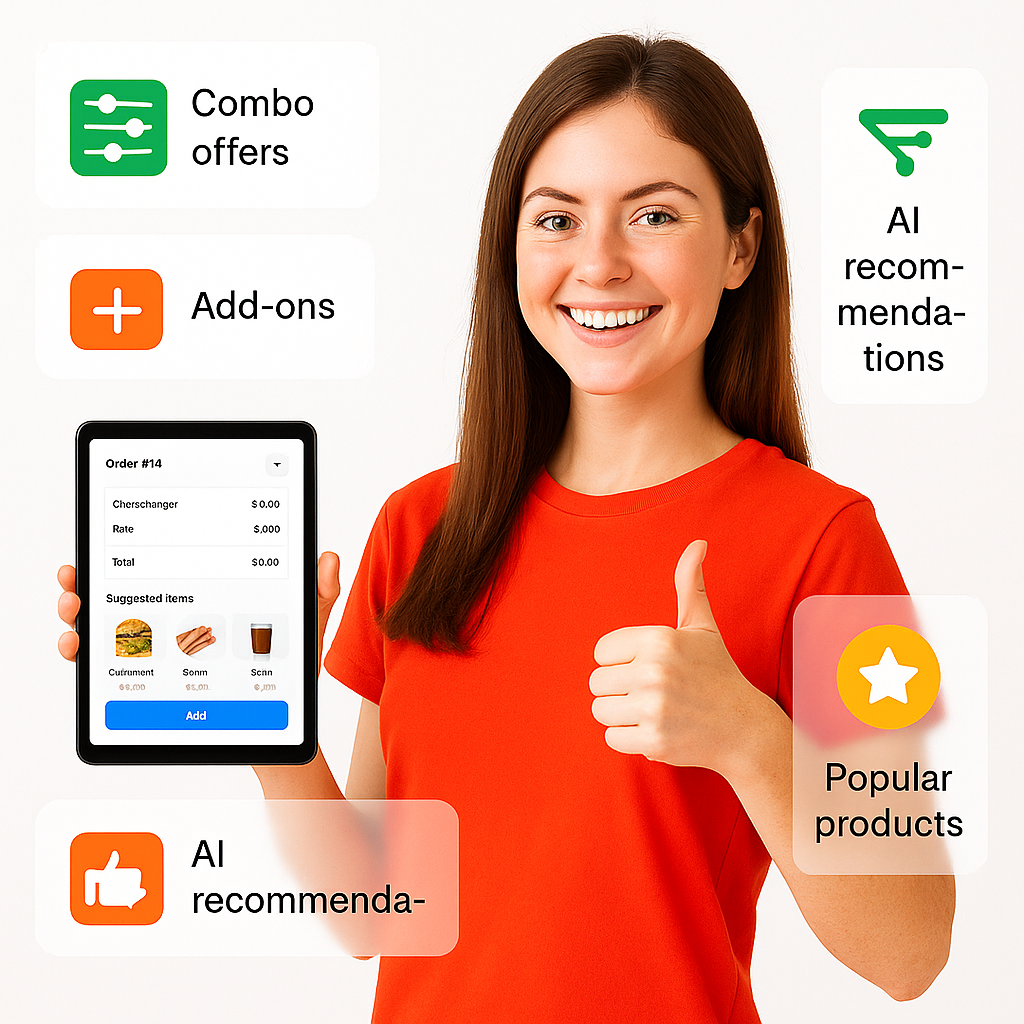
  • Toggle off items instantly in POS
  • Auto-hides from website & aggregators
  • AI checks if item remains inactive
  • Sends reminder to manager next morning
  • Avoids accidental long-term deactivation
  • Maintains customer experience across platforms
  • Prevents lost orders and revenue gaps
Menu Item Alert

AI-Powered Promo Sliders on Website

BrixPOS enables restaurant owners to manage homepage promotions through automated or manual image sliders — placed in three sections of the website — with AI-generated designs created instantly during campaign creation.
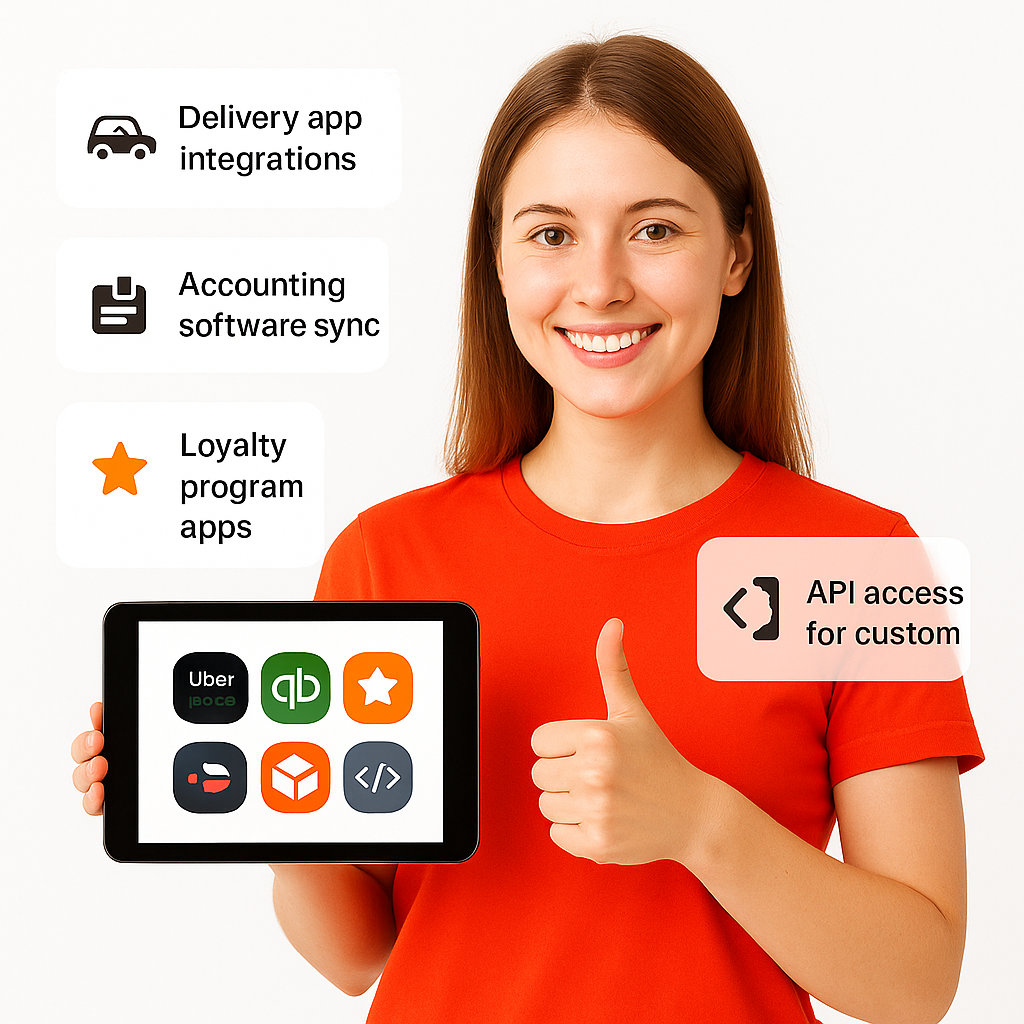
  • Add sliders to top, middle, and footer sections
  • Create manually or trigger via promo creation
  • AI generates stunning visuals from promo input
  • Add unlimited sliders from backoffice panel
  • Auto-publishes to the restaurant’s ordering website
  • Highlights new offers, combos, or seasonal deals
  • No design skill needed — completely automated
Sliders on Website

Contactless Payment Flow

BrixPOS allows customers to pay their bill directly from their phone — either by selecting payment mode, scanning to pay, or receiving a secure WhatsApp payment link.
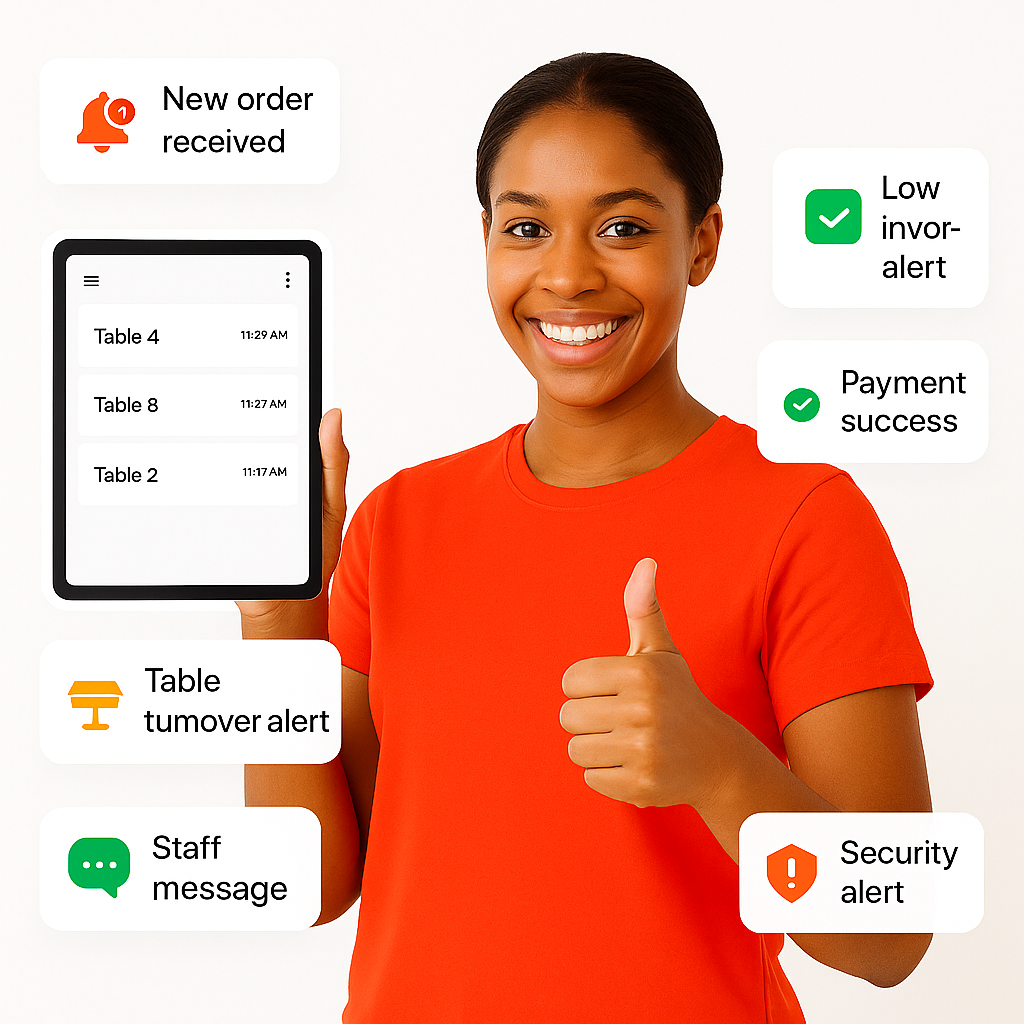
  • Payment options shown after meal
  • Cash, card, or WhatsApp link support
  • No need to wait for a waiter
  • Auto-generated bill sent digitally
  • Speeds up table turnover dramatically
  • Integrates with QR & order history
  • Fully contactless, secure, and convenient
Payment Flow
BUILT FOR THE UAE

Stop Managing Talabat Prices In A Spreadsheet.

Almost every UAE restaurant charges more on delivery apps than in-store, to absorb the commission. Most manage that by hand — a second menu, updated separately, that drifts out of sync the moment a price changes. BrixPOS holds one menu with a different price per channel.

Dine-In

Your counter price

What the guest pays at the table or the till.

Your Own Website

Direct-order price

Orders that come to you directly, on your own branded ordering site.

Delivery Apps

Per-aggregator price

A separate price for Talabat, Deliveroo and Noon Food — set once, applied automatically.

One menu, many prices. Change an item once and every channel updates — no second menu to maintain.

Margin visible per channel. See what each dish actually earns after commission, not just what it sells for.

One kitchen queue. Aggregator orders land on the same kitchen display as everything else — no extra tablets.

Revenue kept separate. Aggregator income is reported on its own line so reconciliation is not a monthly puzzle.

What Our Customers Are Saying

Why our clients love BrixPOS

Start attracting more clients today!

With BrixPOS you will soon become the talk of the town. More exposure, more profits, and more unforgettable experiences for your customers!